Meeting notes in Wyatt
Meetings
Keep meeting notes in Wyatt, the AI workspace where your docs, tasks, and projects live — summarize decisions with AI and turn discussion into tasks connected to the project.
1
connected workspace for docs, tasks, chat, and data
6+
content types Wyatt searches and acts across
0
copy-paste steps between your notes and your answers
24/7
ready whenever the question comes up
What you can do with Wyatt
Structured
Capture agenda, notes, and decisions.
Summaries
Distill discussion into decisions.
Action items
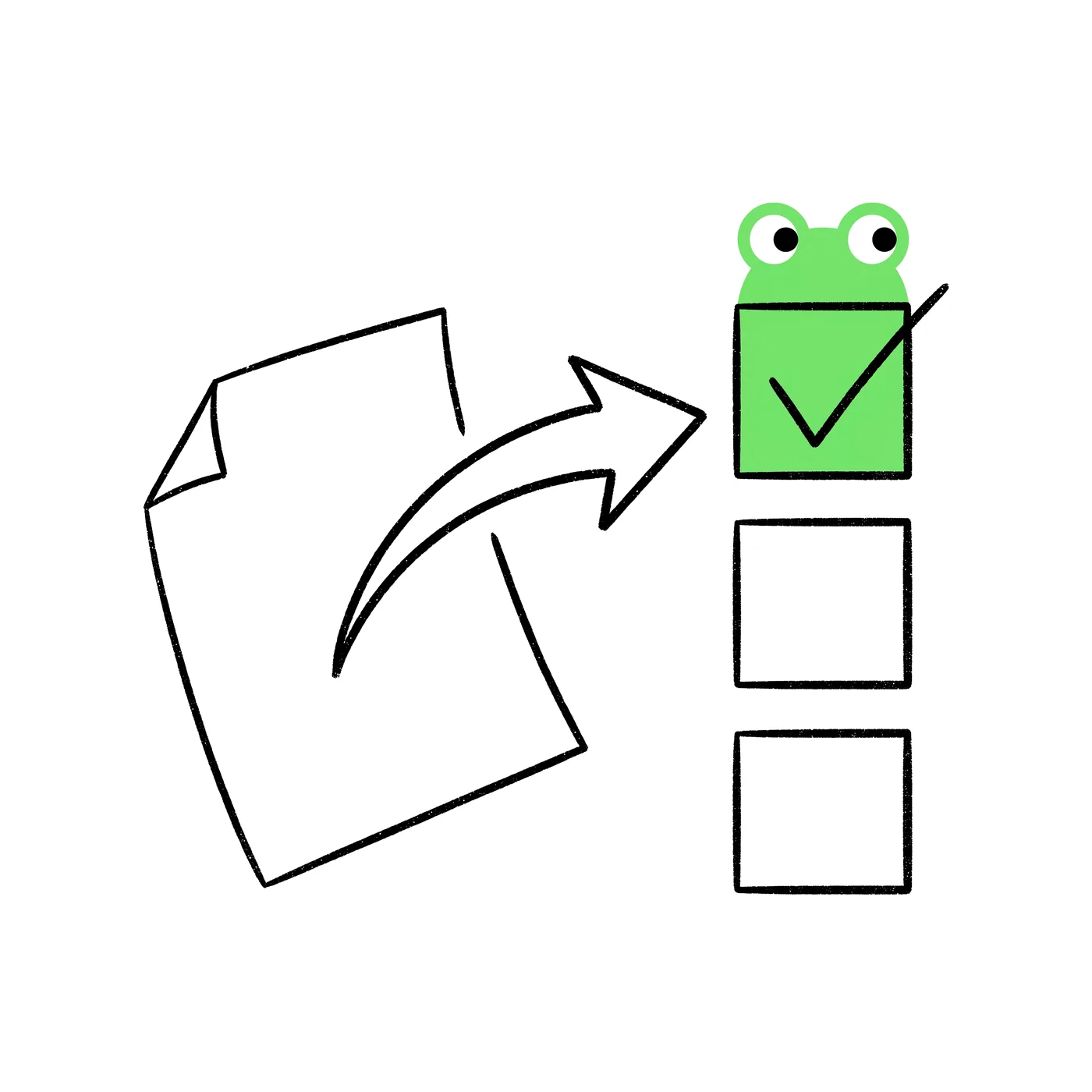
Create tasks from follow-ups.
Linked
Attach notes to the relevant project.
Meeting notes are only valuable if you can find and act on them. In Wyatt, notes live next to the project they relate to, so decisions stay findable and connected to the work they affect.
Ask the assistant to turn raw notes into a clear summary of decisions and open questions, ready to share the moment the meeting ends.

Every meeting creates follow-ups. The assistant can extract action items and create tasks with owners and due dates, so nothing slips.

Over time, meeting notes become a searchable record. Ask the assistant about past decisions and the workspace remembers so the team doesn’t have to.

Linking notes to the project keeps the decisions attached to the work, so the project’s history tells the full story.

One connected workspace for docs, tasks, chat, and databases — with Wyatt answering from all of it.
“Stop stitching tools together. Bring the work into one place and let Wyatt connect it.”
Yes. The assistant turns raw notes into a clear summary of decisions and open questions.
Yes. The assistant can extract action items and create tasks with owners and due dates.
Next to the related project, so decisions stay findable and connected to the work.
Yes. Notes are searchable, and you can ask the assistant about past decisions.