Kanban view
Track each piece by stage, from idea to published.
Plan your content calendar in Wyatt — an AI team workspace with flexible databases — where each item links to its brief, draft, and tasks, with AI to help you write.
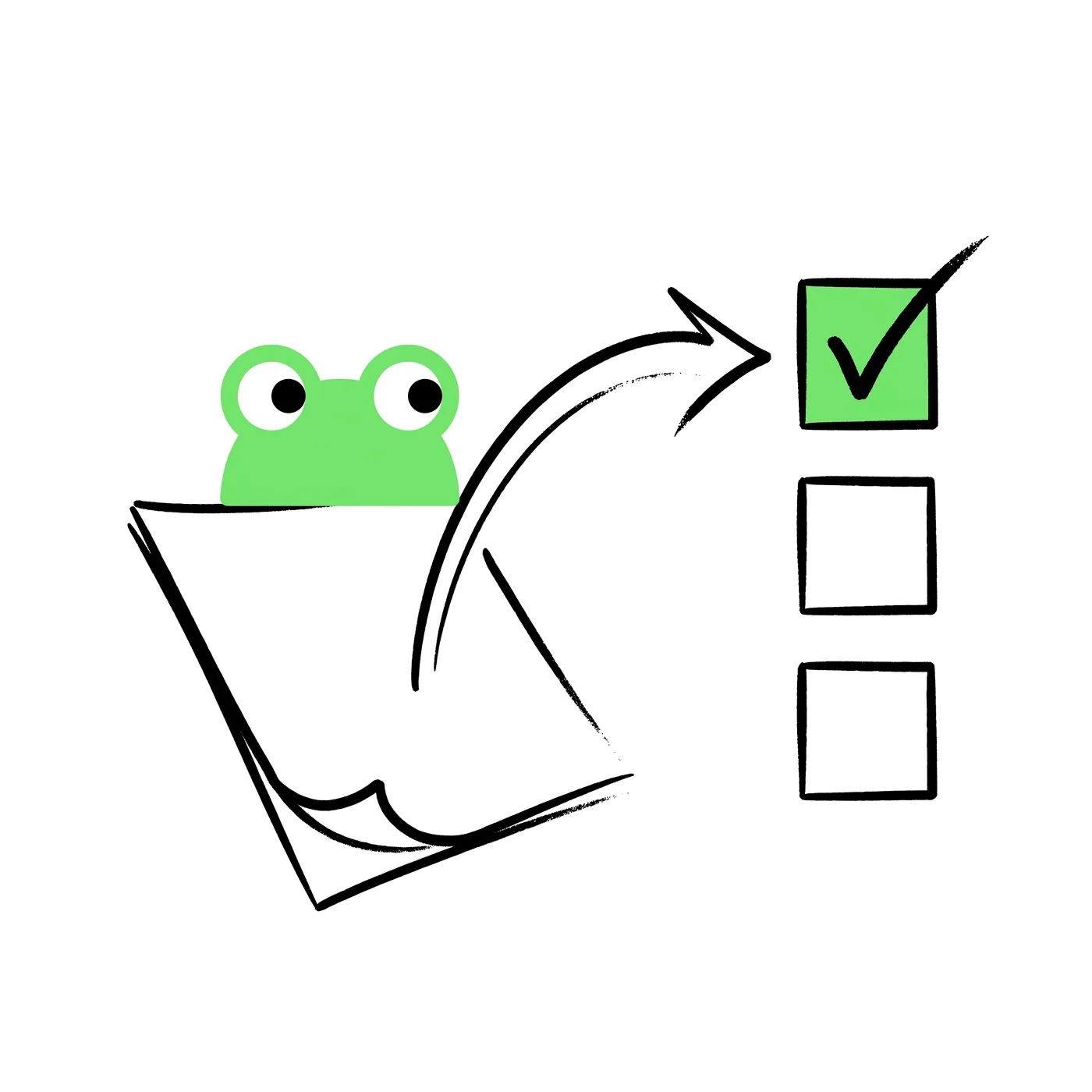
A content calendar that’s separate from where you write creates friction. In Wyatt, the calendar is a database where each item links to its brief, draft, and tasks, so planning and production live together.

View the calendar as a calendar for scheduling, a board for status, or a list for detail. The same items, the right view for the moment.
Use the assistant to draft posts, outlines, and copy from the brief, grounded in your real messaging, then refine as a team.

Because each calendar item connects to its tasks and owners, the team always knows what’s in progress, what’s blocked, and what’s shipping next.
Content calendars sit alongside campaigns and dashboards, so planning, production, and results share one workspace.
One connected workspace for docs, tasks, chat, and databases — with Wyatt answering from all of it.
“Stop stitching tools together. Bring the work into one place and let Wyatt connect it.”
Track each piece by stage, from idea to published.
Each item links to its brief and draft.
Draft content with the assistant.
Board, list, or calendar as needed.
Each calendar item links to its brief, draft, and tasks, so planning and production live together.
Yes. View it as a calendar, board, or list depending on what you need.
Yes. The assistant can draft posts, outlines, and copy from the brief.
Yes. Content calendars sit alongside campaigns and dashboards in one workspace.