Process documentation in Wyatt
Process documentation


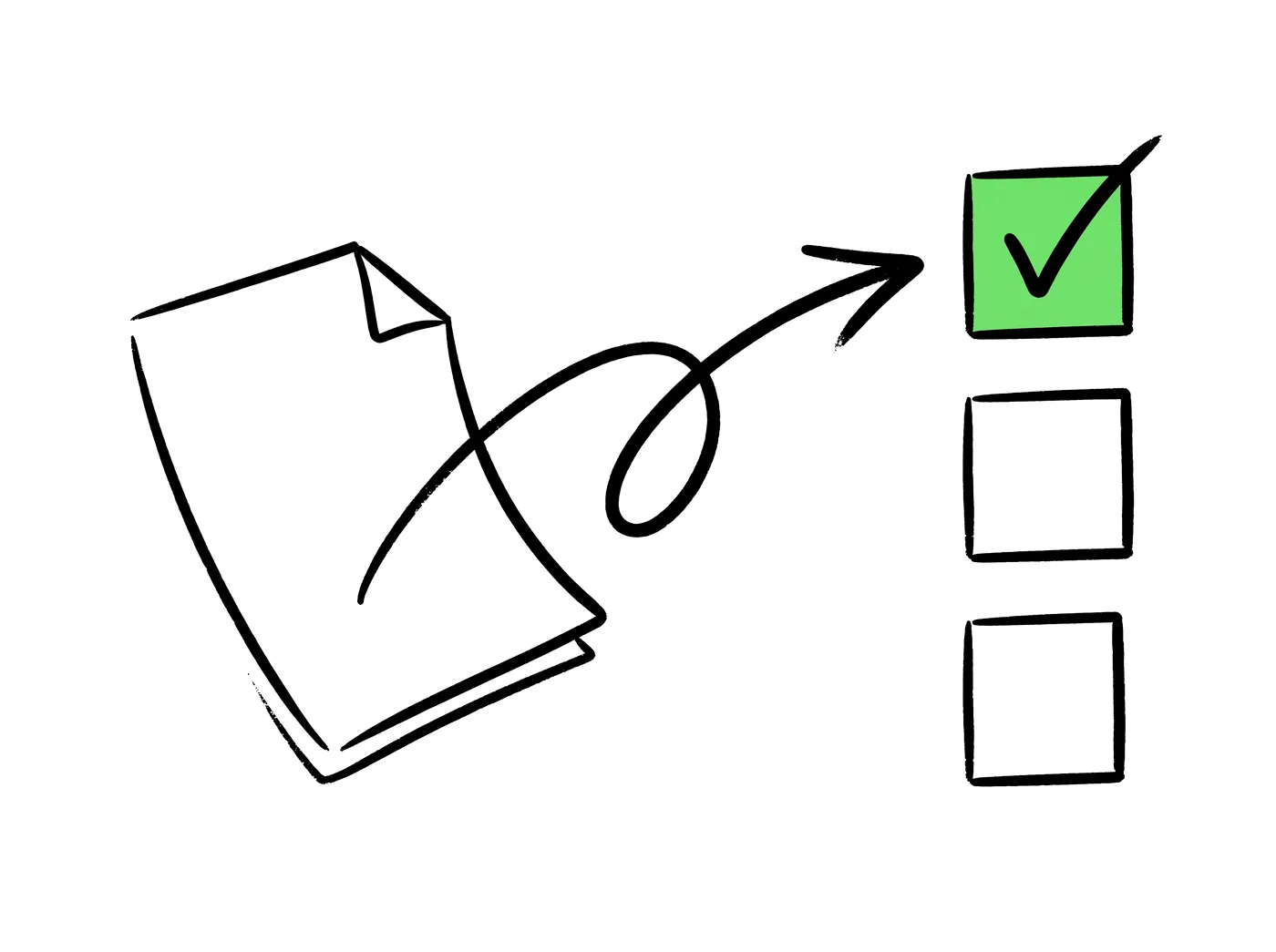
Good documentation answers the reader’s real questions in plain language. Lead with what they need, avoid jargon, and assume they’re busy.
Use headings, short sections, and lists so readers can scan and find the part they need without reading everything.
Documentation decays when it’s separate from the work. Keeping it close to the work and assigning ownership helps it stay accurate.
In Wyatt — an AI workspace where docs live alongside tasks and projects — the AI assistant can draft documentation from your notes, summarize complex content, and answer questions from your docs, easing both writing and upkeep.
What you can do with Wyatt
Clarity
Write clearly for the reader.
Structure
Make it scannable.
AI drafting
Draft and improve with AI.
Findable
Keep it searchable.
One connected workspace for docs, tasks, chat, and databases — with Wyatt answering from all of it.
1
connected workspace for docs, tasks, chat, and data
6+
content types Wyatt searches and acts across
0
copy-paste steps between your notes and your answers
24/7
ready whenever the question comes up
“Learn the workflow once — Wyatt keeps it running for the whole team.”
It answers the reader’s real questions in plain language and is easy to scan.
With headings, short sections, and lists so readers can scan.
Keep them close to the work and assign ownership.
It can draft, summarize, and answer questions from your docs.