
AI project manager
AI project manager
1
connected workspace for docs, tasks, chat, and data
6+
content types Wyatt searches and acts across
0
copy-paste steps between your notes and your answers
24/7
ready whenever the question comes up
What you can do with Wyatt
Status
Summarize progress automatically.
Risks
Surface blockers early.
Next steps
Turn context into follow-up tasks.
Updates
Draft stakeholder updates fast.
AI shifts project management from manual status-keeping to working with real work. Instead of chasing updates and maintaining status fields, you can ask an assistant to summarize progress from the tasks, documents, and conversations themselves.

When projects live in an AI workspace, the assistant can read the actual tasks and documents and tell you what changed, what’s blocked, and what’s next — grounded in reality rather than optimistic check-ins.
AI can surface stalled tasks, missed dates, and likely blockers before they become fires, giving project managers a head start on the problems that matter.
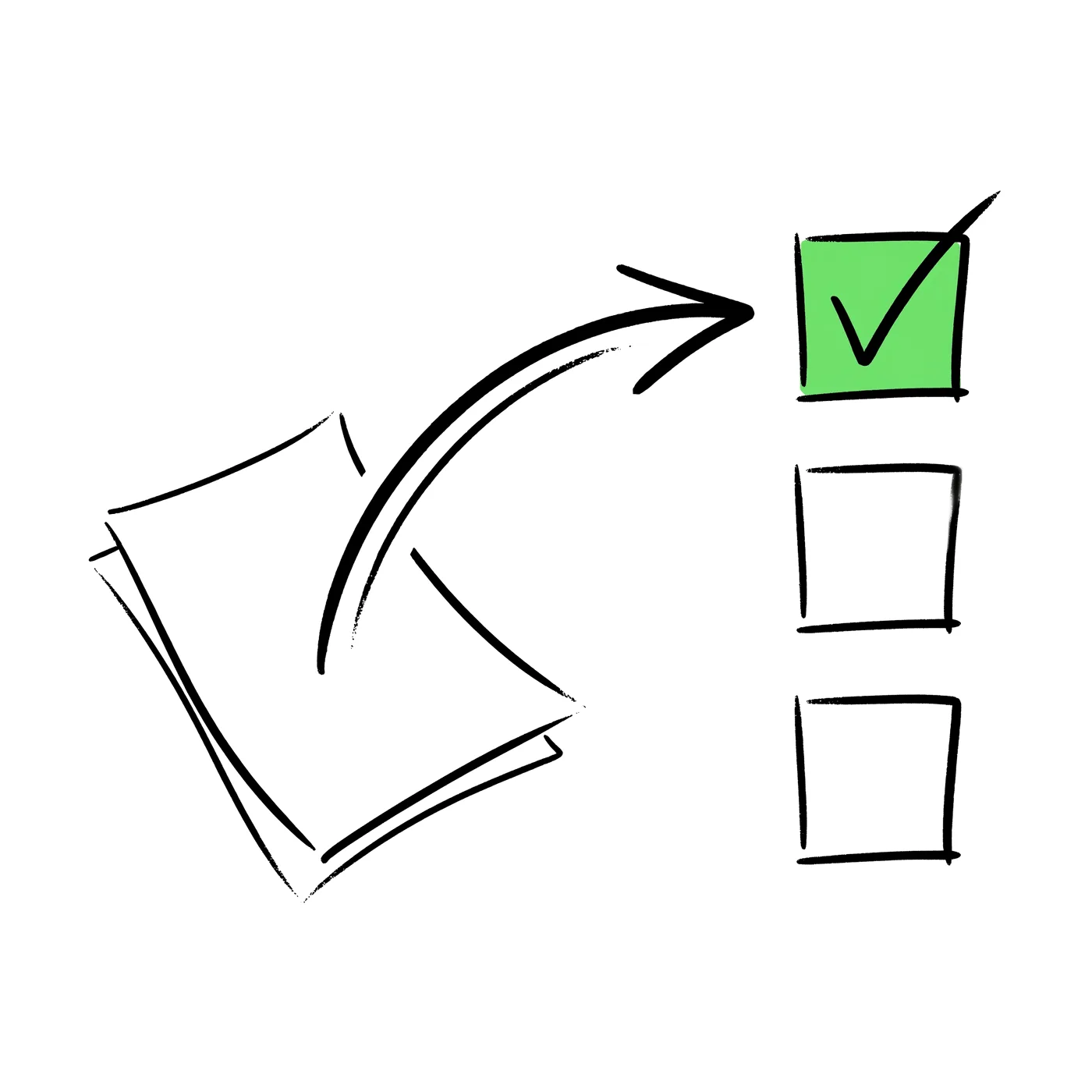
Beyond reporting, AI can suggest and create the follow-up tasks a project needs and draft stakeholder updates, turning insight into momentum.

Run projects in Wyatt with tasks, docs, and discussion together, then ask the assistant for status, blockers, and next steps — and have it draft the update you need to send.

One connected workspace for docs, tasks, chat, and databases — with Wyatt answering from all of it.
“Learn the workflow once — Wyatt keeps it running for the whole team.”
It summarizes status from the real work, surfaces blockers, suggests next steps, and drafts updates.
It reduces the need for manual status-keeping by summarizing progress from the actual tasks and documents.
Yes. It can surface stalled tasks, missed dates, and likely blockers early.
Run projects in an AI workspace like Wyatt and ask the assistant for status, blockers, and next steps.