Databases in Wyatt
Databases
Work with your data as tables inside Wyatt — the AI workspace where docs, tasks, and databases live together — and switch between views that match the task. Filter, sort, and group records, and let the built-in AI help you read and maintain them.

1
connected workspace for docs, tasks, chat, and data
6+
content types Wyatt searches and acts across
0
copy-paste steps between your notes and your answers
24/7
ready whenever the question comes up
What you can do with Wyatt
Clear tables
See your records in a structured grid with the columns that matter.
Flexible views
Switch between table and board views over the same underlying data.
Filter and group
Focus on a subset of records and group them by any field.
AI assistance
Summarize a table or update records from a plain-language request.
Tables give your data a clear, scannable grid. Show the columns that matter, reorder them, and keep large datasets readable so the team can work with confidence.
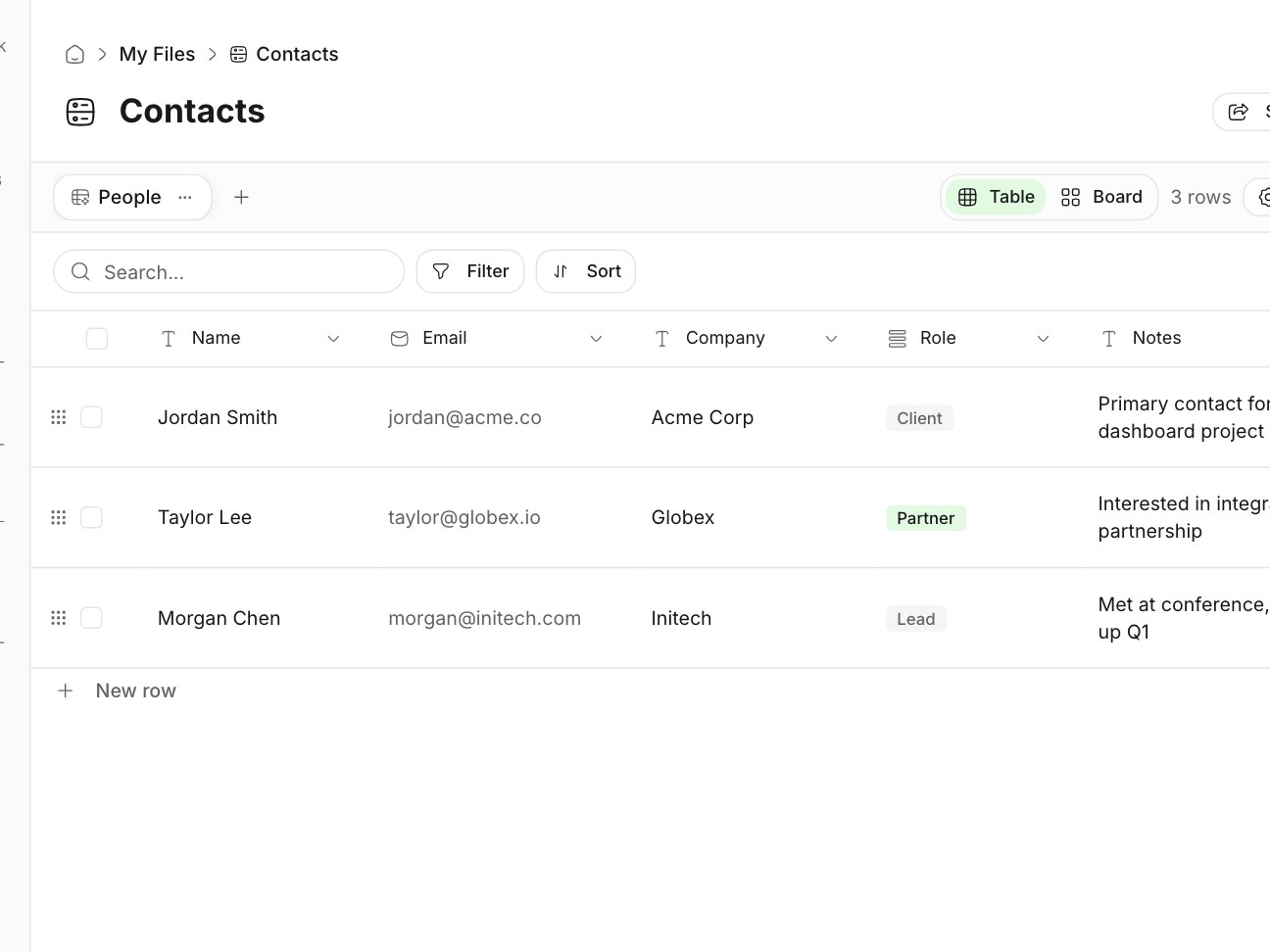
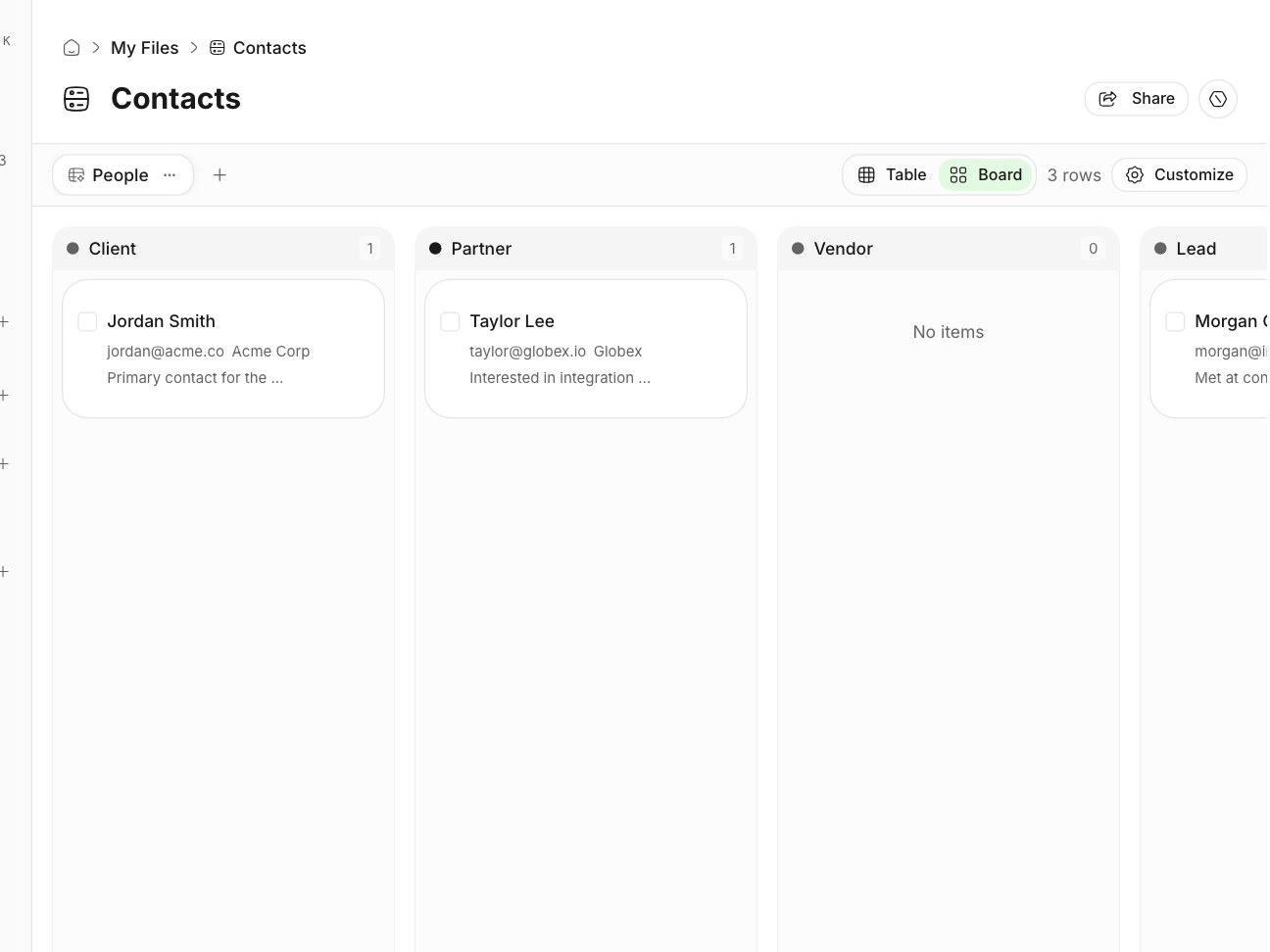
Views let the same records appear in different layouts without duplicating data. Use a table view for detailed editing and a board view to move items through stages — the source of truth stays consistent.
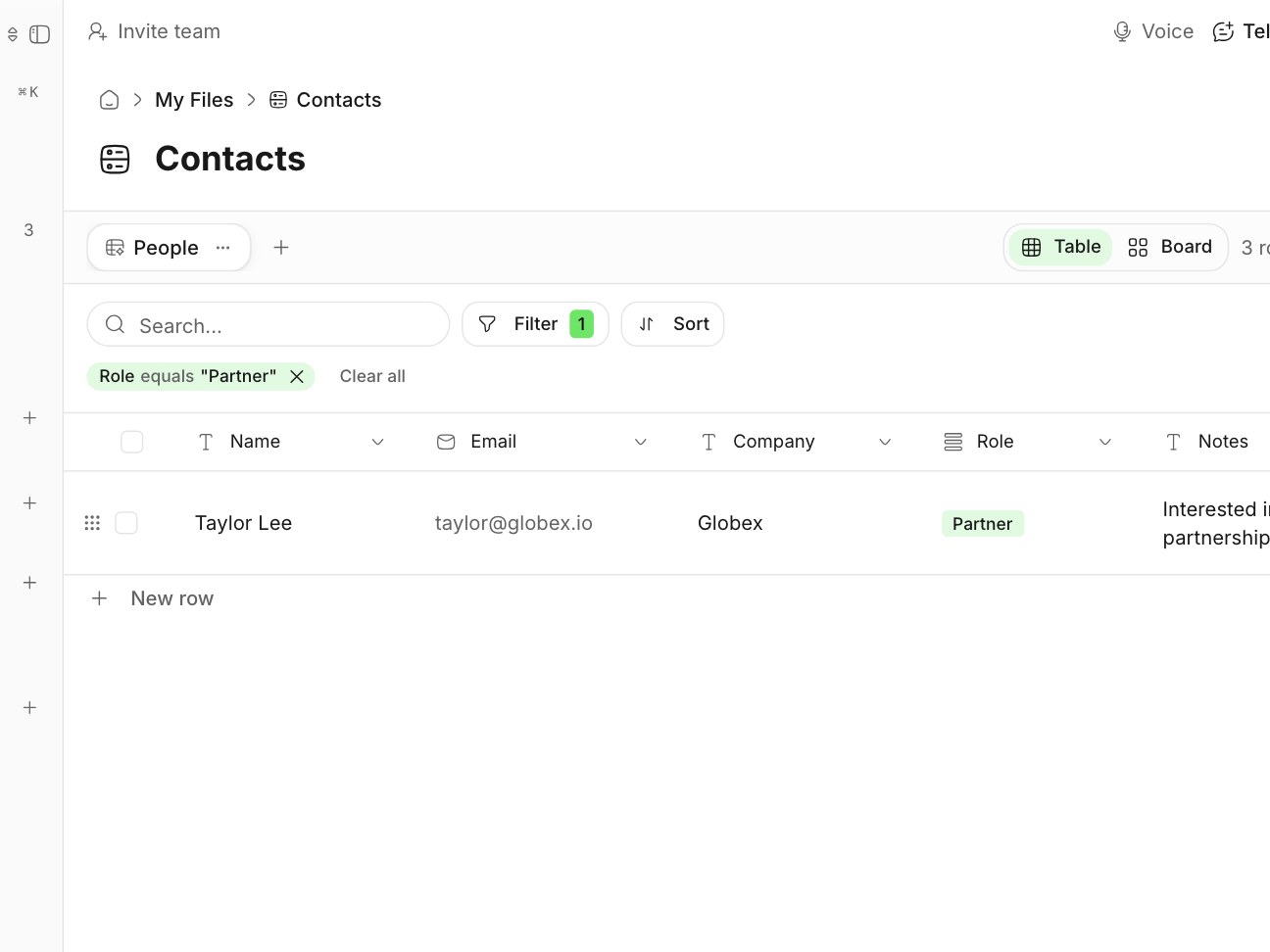
Narrow a table to what’s relevant — due this week, owned by you, blocked — and group records by status, owner, or any field to see patterns at a glance.
Ask the assistant to summarize a table, find records that match a description, or update fields in bulk. Maintenance that used to be manual becomes a quick request.

Tables sit inside the workspace next to documents, tasks, and dashboards, so structured data connects to the narrative and the work it drives.

One connected workspace for docs, tasks, chat, and databases — with Wyatt answering from all of it.
“Ask a question, get an answer grounded in your team's actual work — then turn it into action.”
A database holds your records and their column structure; tables and views are the ways you display and work with those records, such as a grid or a board.
Yes. You can filter, sort, and group records by any field to focus on what matters for a given task.
No. Views are different layouts over the same underlying records, so the data stays consistent.
Yes. The assistant can summarize a table, find matching records, and update fields from a plain-language request.